Description
One Month License
Studio-Grade Video
Upscaling & Enhancement
Professional HDR Mastering · AI Upscaling · Frame Interpolation
- ⚡ GPU TENSORRT
- 🎨 HDR10 MASTERING
- 🔥 UP TO 12K OUTPUT
- ✓ WINDOWS 10/11
🎭 Creator Tier License Features
- ✓ Up to 1 Machine per License
- ✓ Advanced HDR10 Conversion
- ✓ Advanced Interpolation + Post-Processing
- ✓ Full AI Model Set
- ✓ Discord Creator Tier
- Attribution requirement
⚙ Hardware Compatibility
- Dedicated GPU required for the software to run
- DirectML — Intel and AMD GPU support [Upscaling / HDR / Restoration]
- NVIDIA TensorRT and Lightweight RTX Loaders for maximum speed
- One Month License + AI Model Updates from the Cloud included
- Personal and Enterprise Licenses available
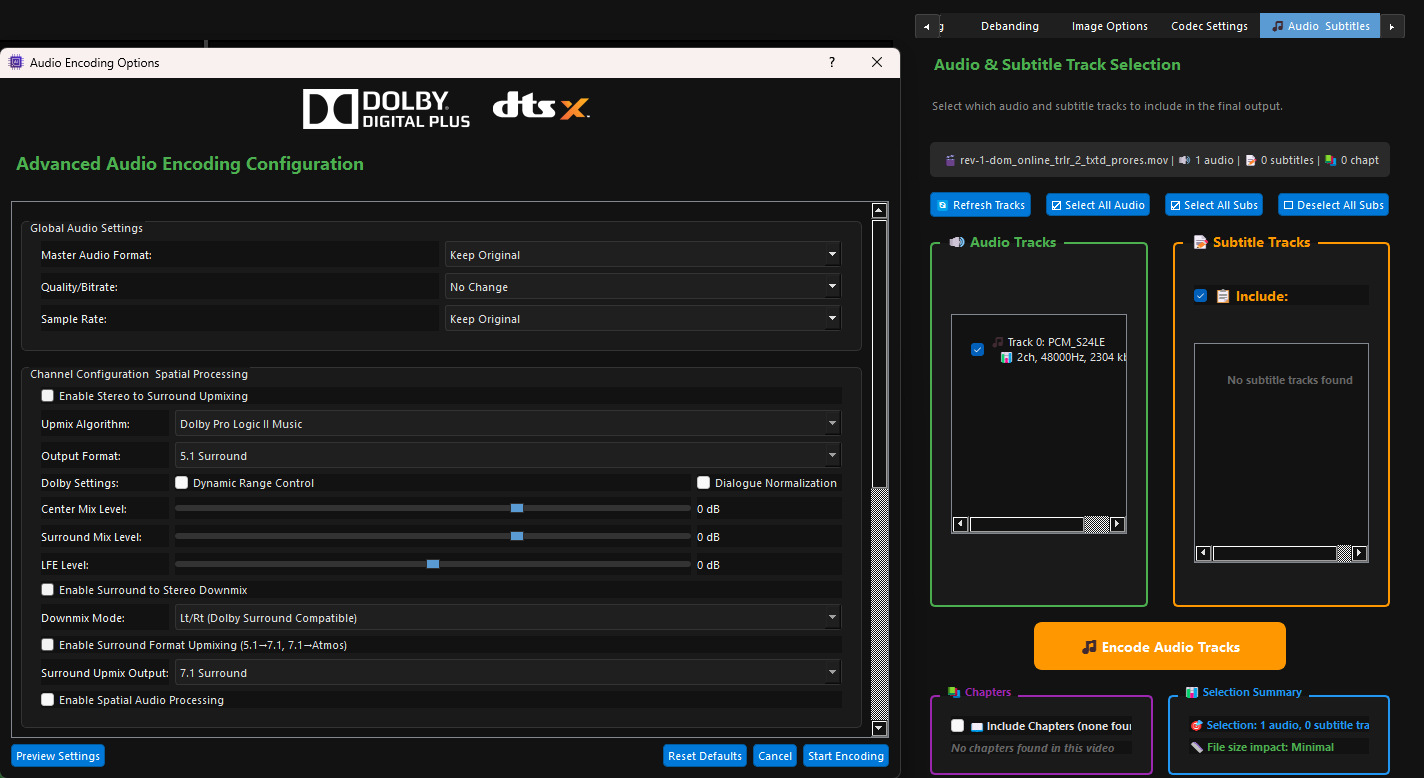
🎵 Advanced Audio Encoding — Upmix and Enhance
- Upmix Stereo sources to real Surround 5.1/7.1
- Enhance Dialogs, Stereo spectrum, Spatial, 3D Audio and much more
- Enhance Surround tracks in real surround formats
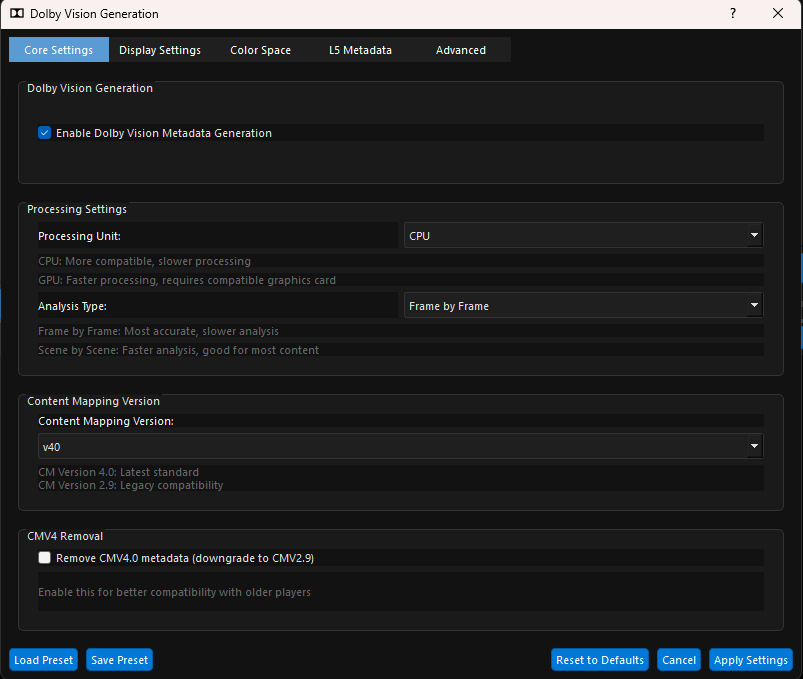
✨ Advanced Proprietary HDR10 Mapping — Our Most Powerful Feature
✨ Core HDR Technology
- Studio-Grade HDR10 Mapping — Multiple professional Looks with advanced customization sliders
- Dynamic Metadata Ready — Calibrated presets for optimal HDR across most devices and TVs
- Advanced HDR10 FILM Mode — Full Range mode, ready for dynamic metadata generation tools
- Professional HDR Looks — Cinematic, Animation, Old-Films and more
🎭 HDR Control Sliders
Use “No Look” for raw HDR output ready for grading in your preferred software
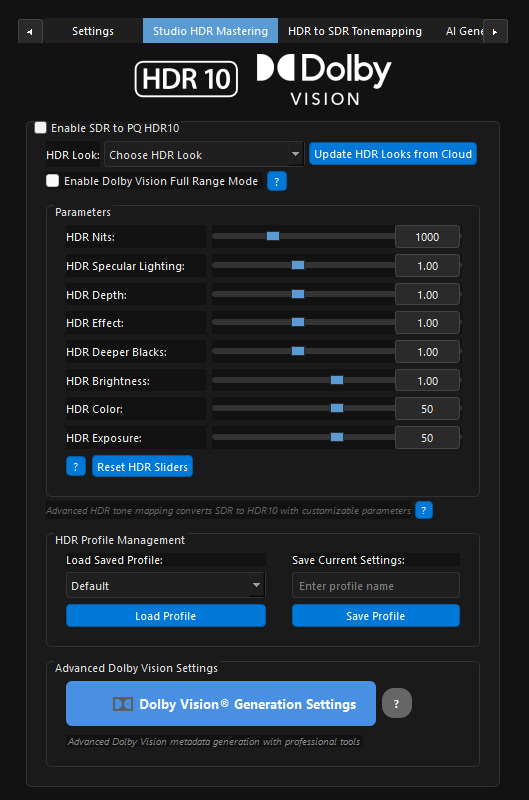
- HDR Nits — Fine-tune output quality along a pre-calibrated curve
- HDR Specular Lighting — Enhance peak highlights in your masters
- HDR Depth — Enhance depth perception (start with subtle values)
- HDR Effect — Boost or reduce overall HDR contrast
- HDR Deeper Blacks — Restore washed-out shadow detail
- HDR Brightness — Modify luminance levels in HDR space
- HDR Color — Boost vibrance for washed-out SDR sources
- HDR Exposure — Expand or compress overall exposure levels
- HDR White Balance — Control D65 Point White Balance
🎭 Preview & Encoding
- Real-Time HDR Preview — Preview the active frame in Native or Tonemapped HDR
- Before/After Comparison — Native HDR and processed output side-by-side
- x265 Direct CPU Codec Recommended — Properly embeds dynamic HDR SEI metadata
✨ Additional Features
🎨 Video / Image Overlay
- Seamless Overlay Support — Overlay both videos and images onto your content
- Video Overlay — Black-background logos and titles composited automatically
- Opacity Controls — 100% recommended as default setting
⚙ HDR Mastering Mode (No Upscaling)
- Dedicated HDR-Only Mode — When upscaling is not needed
- HDR Mastering Workflows — Ideal for HDR Mastering or Interpolation workflows
- Encoding-Only Operations — Re-encode video files to different formats
🎭 Before / After — SDR to HDR Mastering
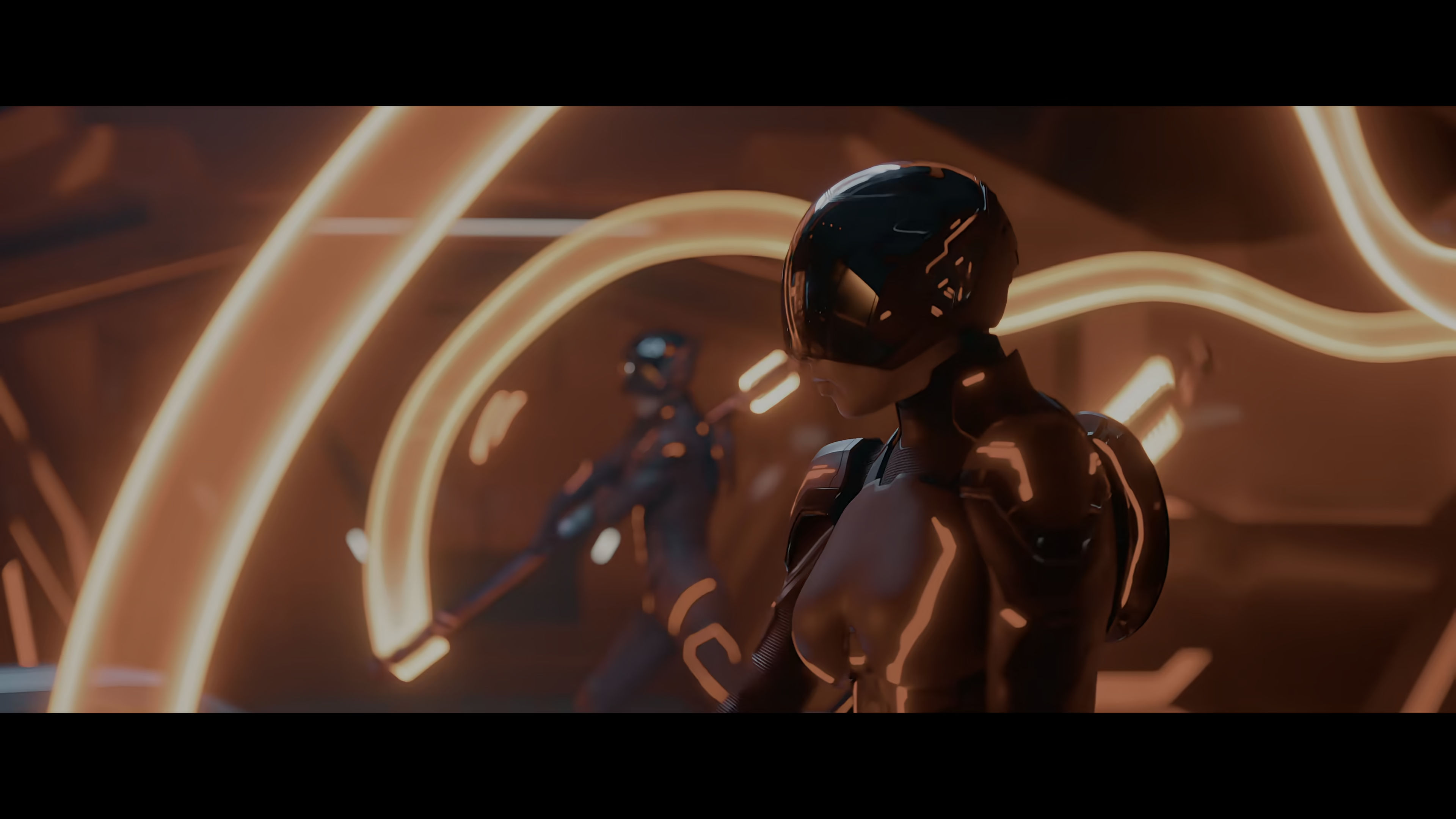
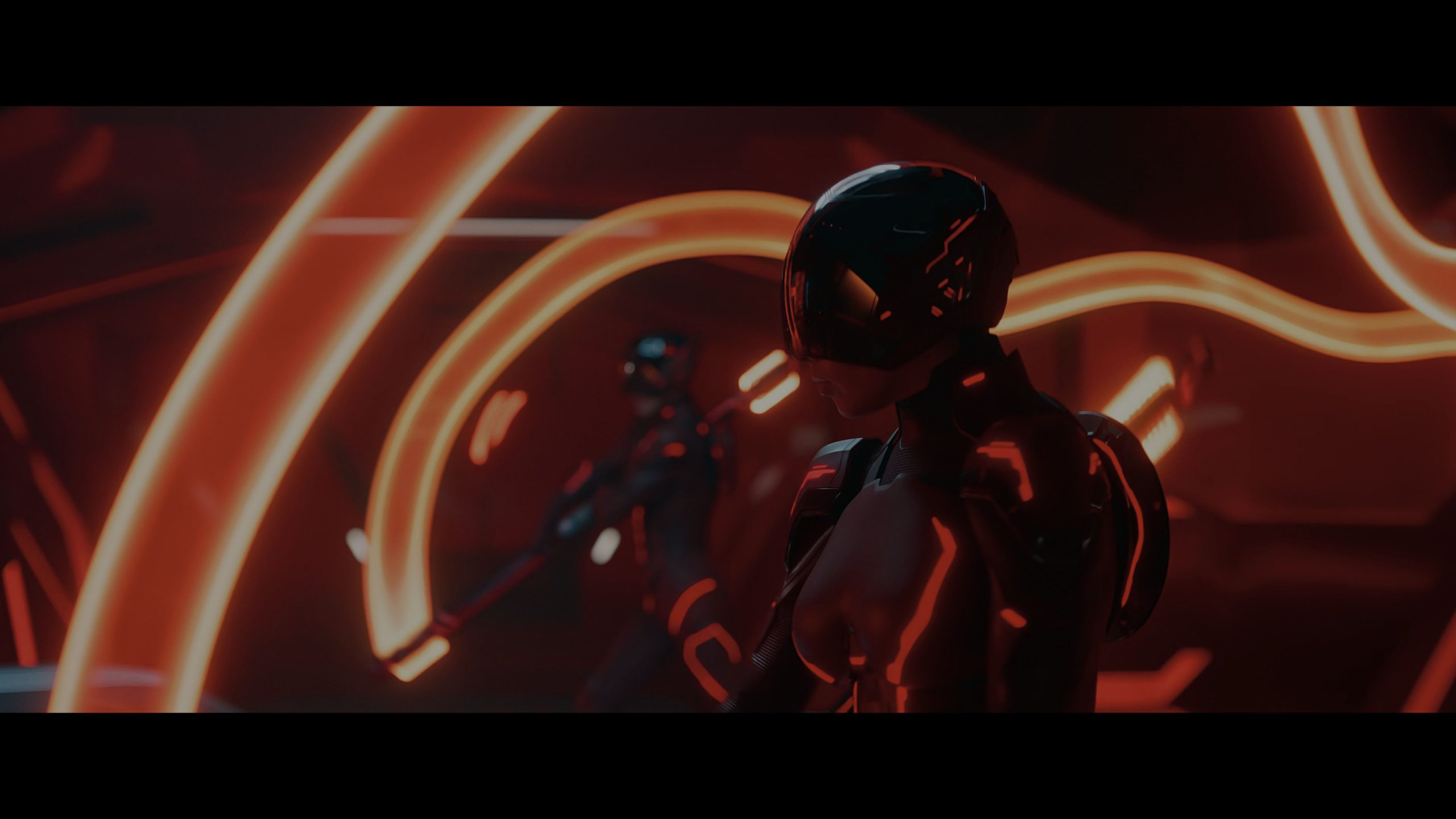
Before - Original
After - Enhanced
Manual Mode
Zoom: Disabled
Reveal: Disabled
🎭 Native HDR vs. SDR — Realtime Comparison
Best viewed in native HDR mode. Enable Windows HDR on desktop.
“Tron: Ares” (Disney ©) — For demonstration purposes only
HDR Version
SDR Version
Manual Mode
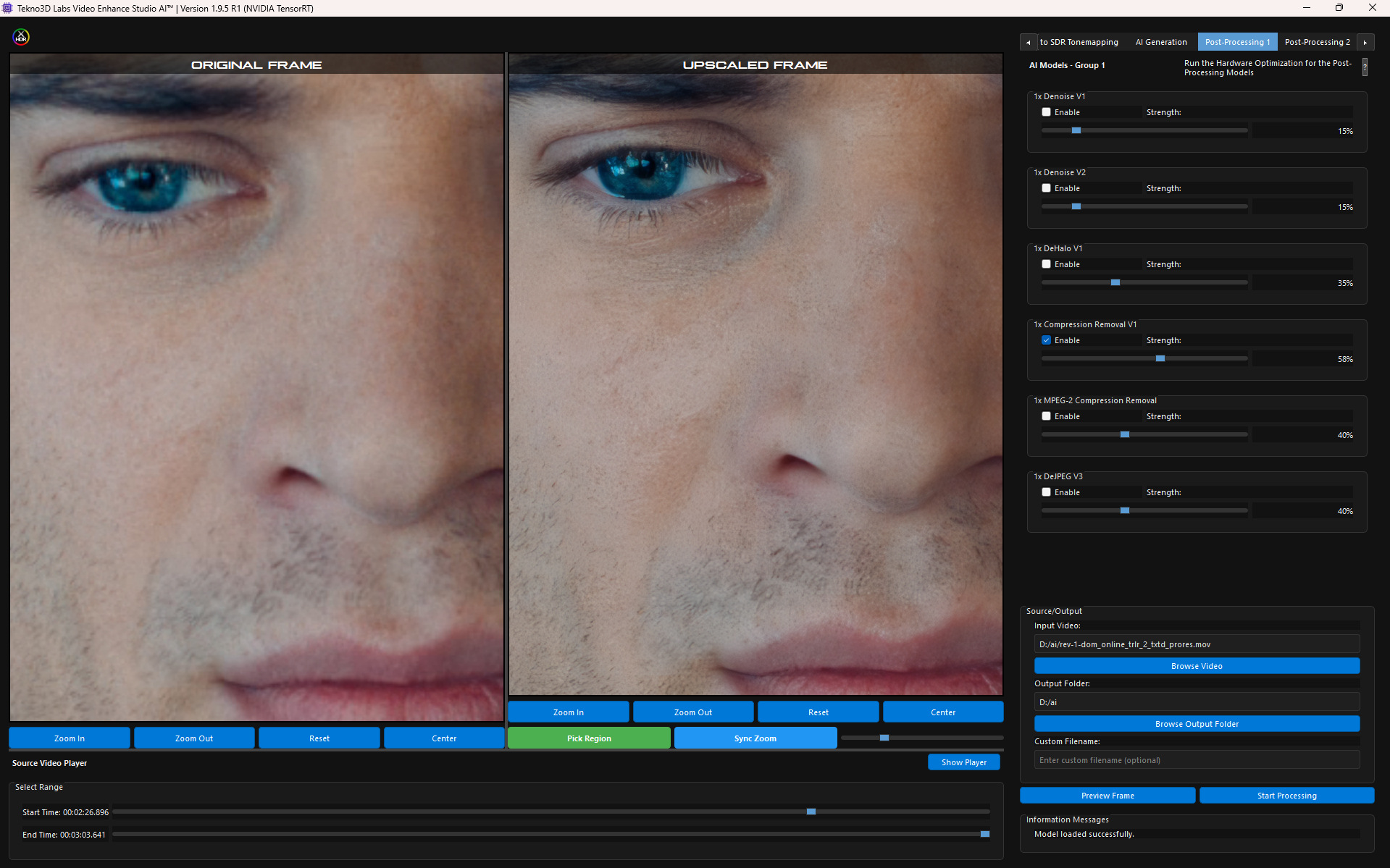
🎭 Before / After — AI Upscaling
💻 High-Performance GPU Processing
⚡ GPU Acceleration
- GPU TensorRT Upscaling — Most advanced and fastest processing for best results
- DirectX and Vulkan Acceleration — AMD, NVIDIA, and Intel GPU support
- All Graphics Cards Supported — TensorRT or DirectML for maximum throughput
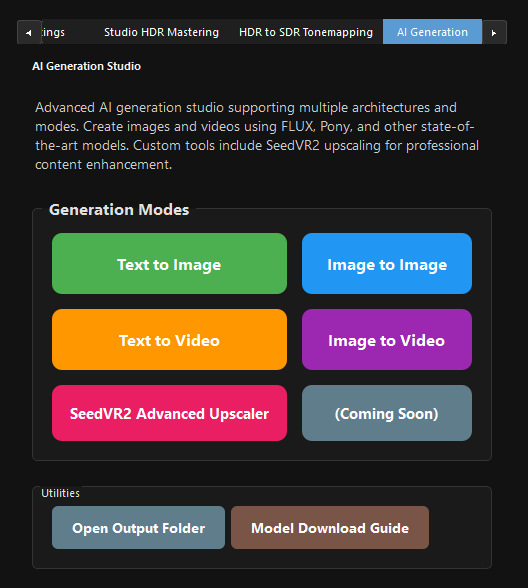
✨ Next-Generation AI Models
🤖 Core AI Technology
- Studio-Quality Upscaling Models — SD to HD, HD to 4K, and beyond
- Custom AI Models — Proprietary and community-created for maximum flexibility
- Adjustable AI Strength — Full control over processing intensity
- Advanced Audio Encoding — Stereo to Surround 5.1/7.1, up to TrueHD Atmos
🎨 Post-Processing Models
Combine upscaling with advanced enhancement models:
- Detail Enhancement — Extract intricate textures and subtle details
- Full Aliasing Removal — Proprietary “Ultra Clarity” post-processing
- Adaptive AI Sharpening — Targets only the areas that matter
- Temporal / Spatial Denoising — Proprietary noise reduction algorithm
- AI Denoise — Remove noise while preserving fine detail
- Advanced Debanding — Multiple filters for difficult compressed sources
- Professional Deinterlacers — Advanced QTGMC and more
- Portrait Enhancement — Refined facial detail restoration
- Film Grain — Artistic grain for vintage or cinematic finish
- Compression Removal — Restore quality in low-bitrate video
🎞 AI Interpolation & Slow Motion
🎭 Motion AI Technology
- Tekno3D Labs Motion AI — Proprietary frame interpolation with industry-leading accuracy
- Real-Time AI Frame Generation — High-frame-rate output for all GPU platforms
- Dynamic Interpolation — 60FPS, 120FPS, or 960FPS with top-tier models
- Slow Motion Precision — Cinematic replays and creative storytelling
- Upscaling + Interpolation + HDR — Combined pipeline for next-gen visual quality
⚡ Real-Time Processing & Live Previews
- Before/After Previews — Compare original and enhanced versions side-by-side including post-processing
- Real-Time Model Switching — Test different AI models on the fly for optimal results
- Profiles for Custom Settings — Save and load configurations for HDR, upscaling, interpolation and post-processing
- Cloud-Connected Updates — Download updated AI models and HDR presets without reinstalling
💼 Professional Codec Support
📁 Supported Formats
- HEVC / H.265 — High-efficiency compression, optimal quality-to-size ratio
- AV1 — Next-generation codec for superior compression efficiency
- ProRes — Full family support up to ProRes 4444 XQ HDR
- MP4 / MKV / AVI — Versatile input and output container support
- Custom Encoding Parameters — Fine-tune every aspect of your export
💻 System Requirements
💻 Hardware
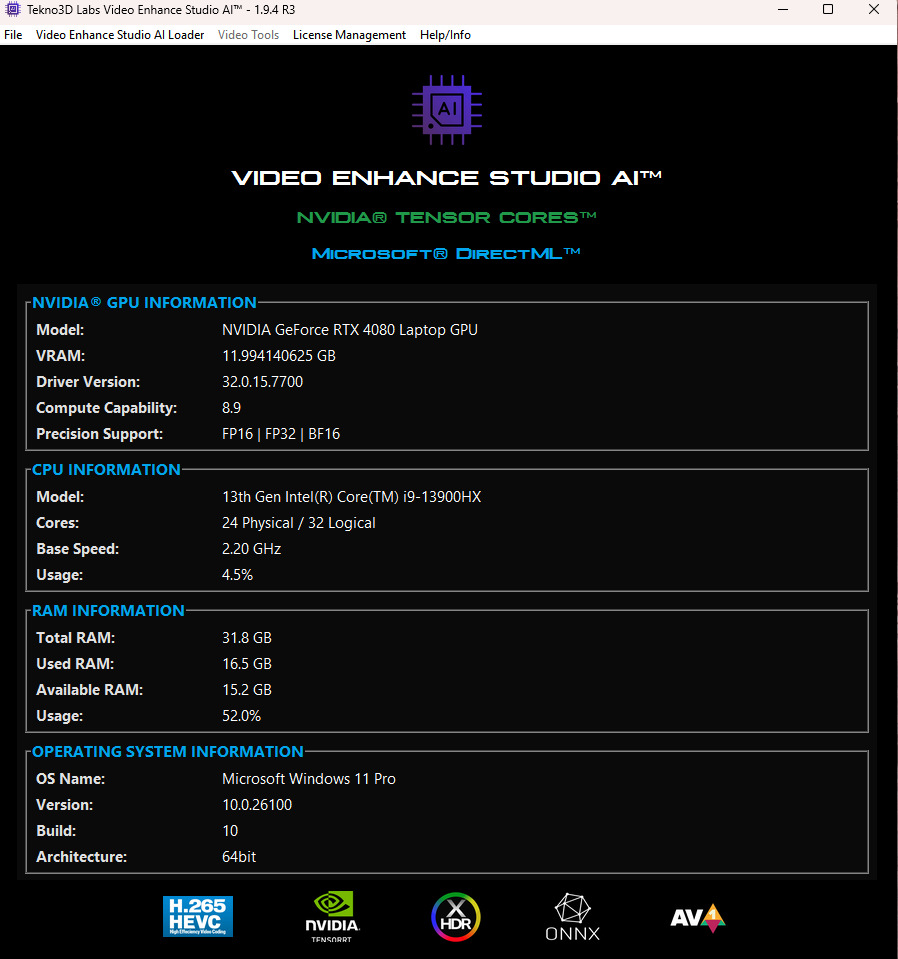
- GPU: Mid-End AMD/Intel (DirectML) or NVIDIA RTX 20/30/40 Series (TensorRT)
- CPU: Modern multi-core processor
- RAM: 16GB minimum — 32GB recommended for 4K+
- Storage: NVMe SSD recommended
💿 Software
- OS: Windows 10/11 64-bit
- GPU Drivers: Latest stable release recommended
- Additional Software: None required — completely self-contained
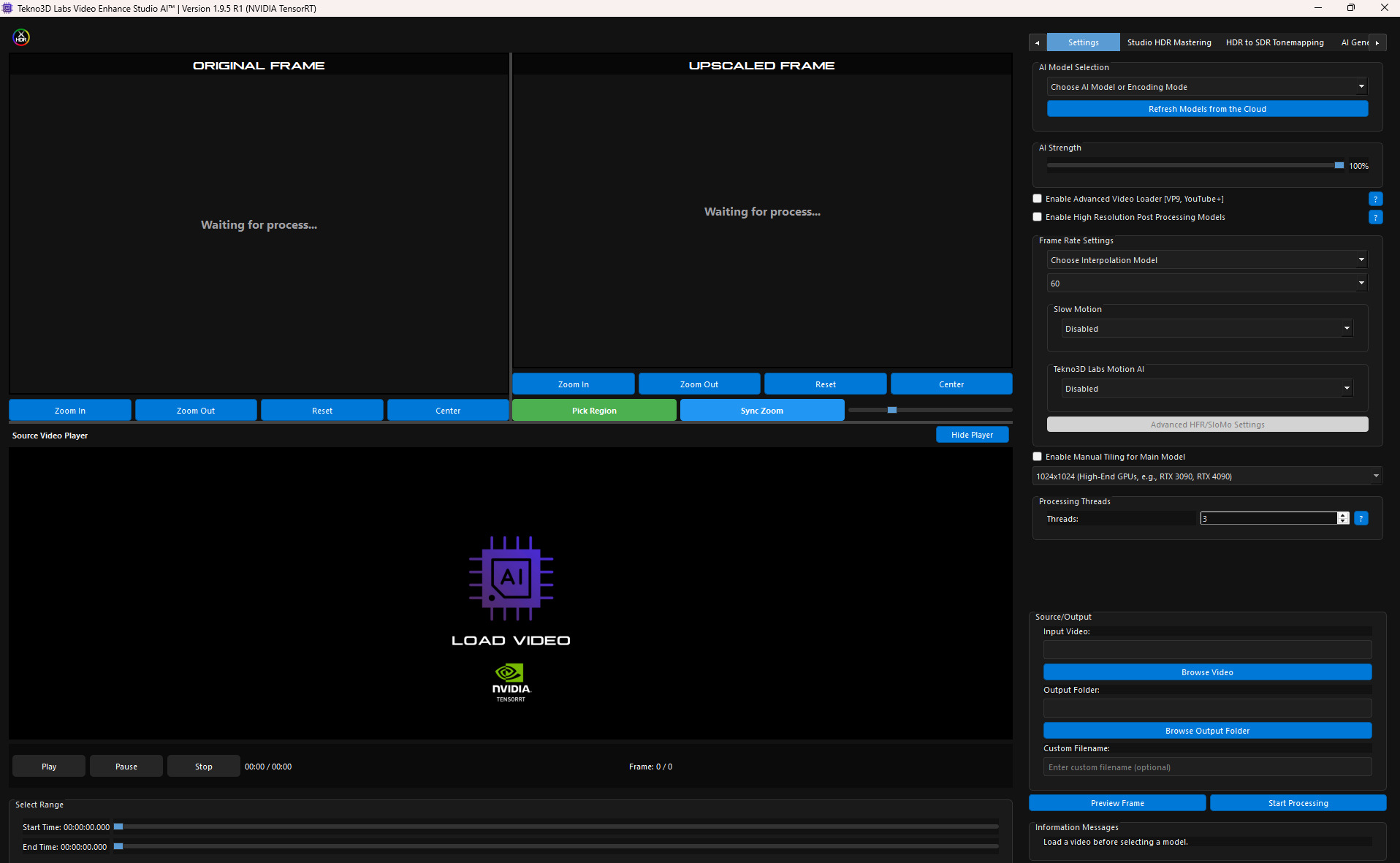
User Interface & Before/After — AI Model + Post Processing
✨ Join the Tekno3D Revolution
VESAI is your gateway to cinematic video enhancement.
🚀 THE FUTURE OF VIDEO PROCESSING STARTS HERE
Join our Discord to meet other users and get instant support.
Reviews
There are no reviews yet.